Is Cesure free?
Yes. The editor and its four views, the player, playing together in real time, the tuner, the metronome and the BPM detector are all free. The free tier keeps 3 saved scores — with unlimited version history — and includes 3 AI transcriptions per calendar month; an unlimited library, unlimited transcription (every conversion runs on our servers) and MIDI, MusicXML, AlphaTex and WAV export are part of Cesure Pro.
Do I have to install anything?
No. Cesure runs in your browser, on desktop and mobile. Android and iOS apps are available if you prefer native; the web app is the full app, not a preview.
Do I need an account?
Not to start — open the app and edit right away. An account saves your scores, syncs them across your devices, and is required for AI transcription and for hosting a room.
Can I edit the staff and the piano roll, or only the tab?
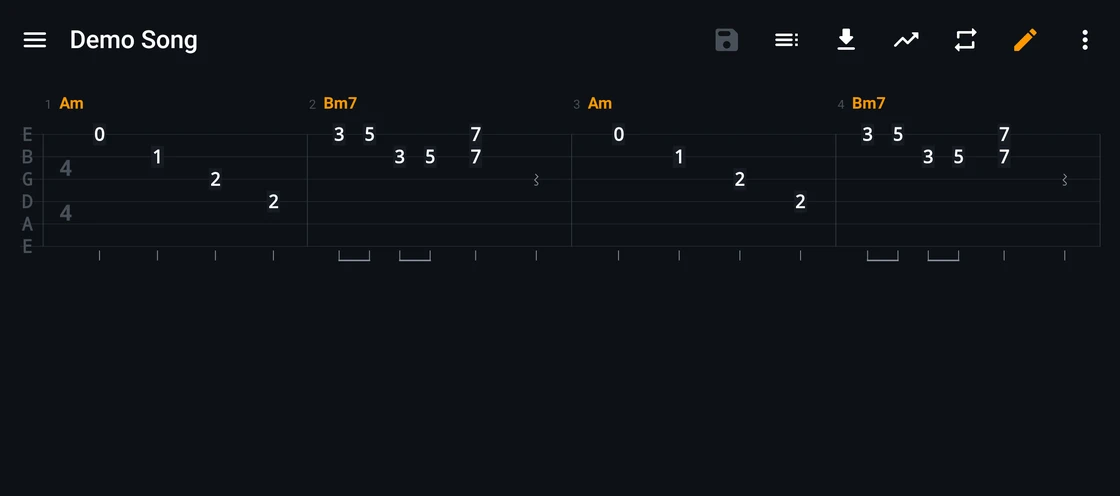
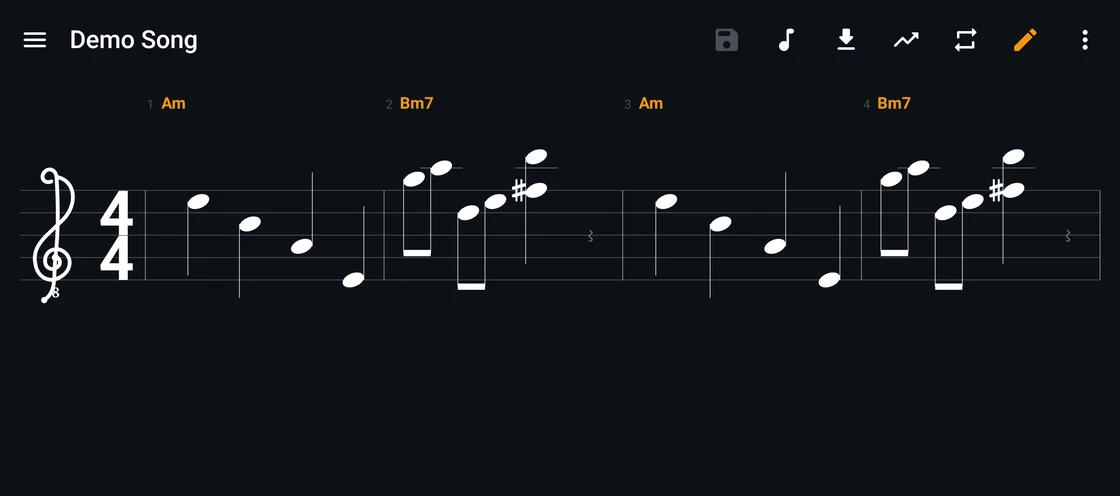
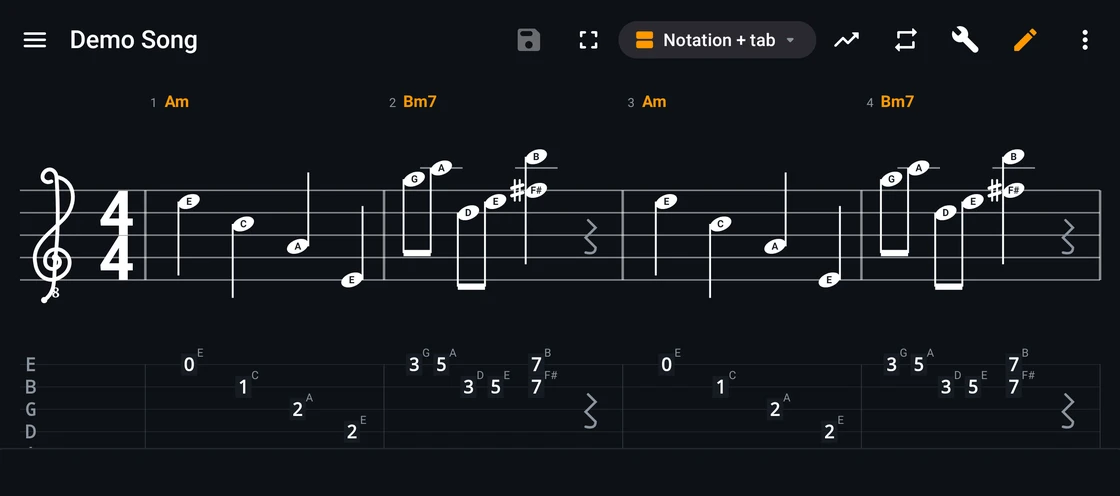
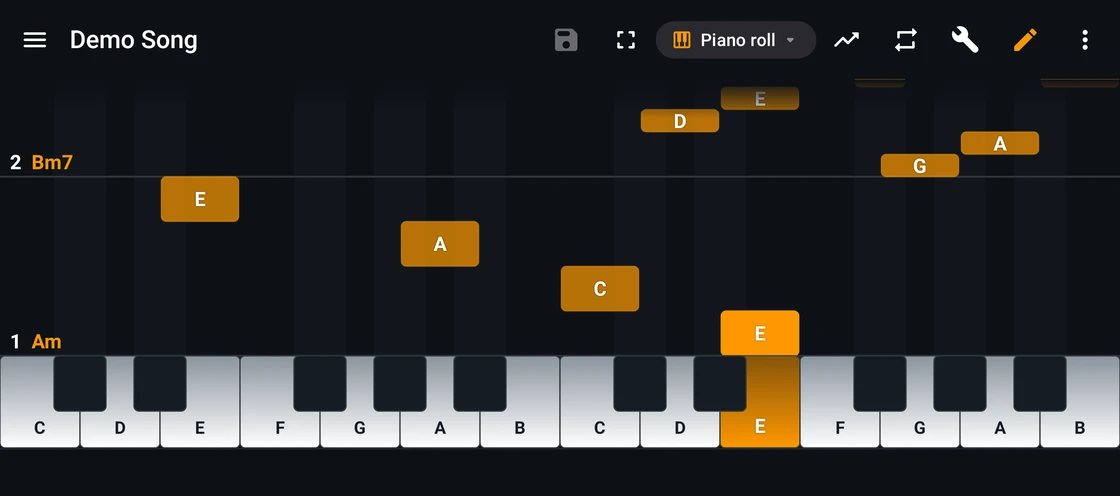
All four views are editable — tablature, standard notation, staff plus tab, and piano roll — and they are the same document: a note entered on the staff appears in the tab, and the other way round. Undo and redo are shared across all four.
Can I play with someone remotely?
Yes. One of you creates a room and shares a six-character code; playback then stays in sync on every device, kept together by a shared clock. The built-in voice chat is tuned for instruments rather than speech — no noise gate cutting off a sustained note. Each player keeps their own view, track and capo.
How accurate is the AI transcription?
It is a starting point, not a finished score. Clean single-instrument recordings give the best results; dense mixes and heavy distortion are harder. What you get is an editable tab to refine — the AI writes down what was played, it never composes anything of its own.
Which formats can I import and export?
Import MIDI, MusicXML, Guitar Pro (.gp, .gp3, .gp4, .gp5) and AlphaTex, plus audio files through transcription. Export to .cesure and PDF for free (the free PDF carries a small watermark); MIDI, MusicXML, AlphaTex and WAV export, and the watermark-free PDF, are part of Cesure Pro.
 and
the App Store
and
the App Store